Authentication Failure: VCF SSO Broken
vCenter vIDB Service Unavailable
The Issue?
After an extended period of time (holiday season), my lab was left unattended. Warnings of password expirations and certificates were missed, which resulted in the vCenter root password amongst others expiring.
For my dual region VCF setup, I previously setup VCF SSO using embedded vIDB which was hosted on the vCenter mentioned above that had expired passwords.
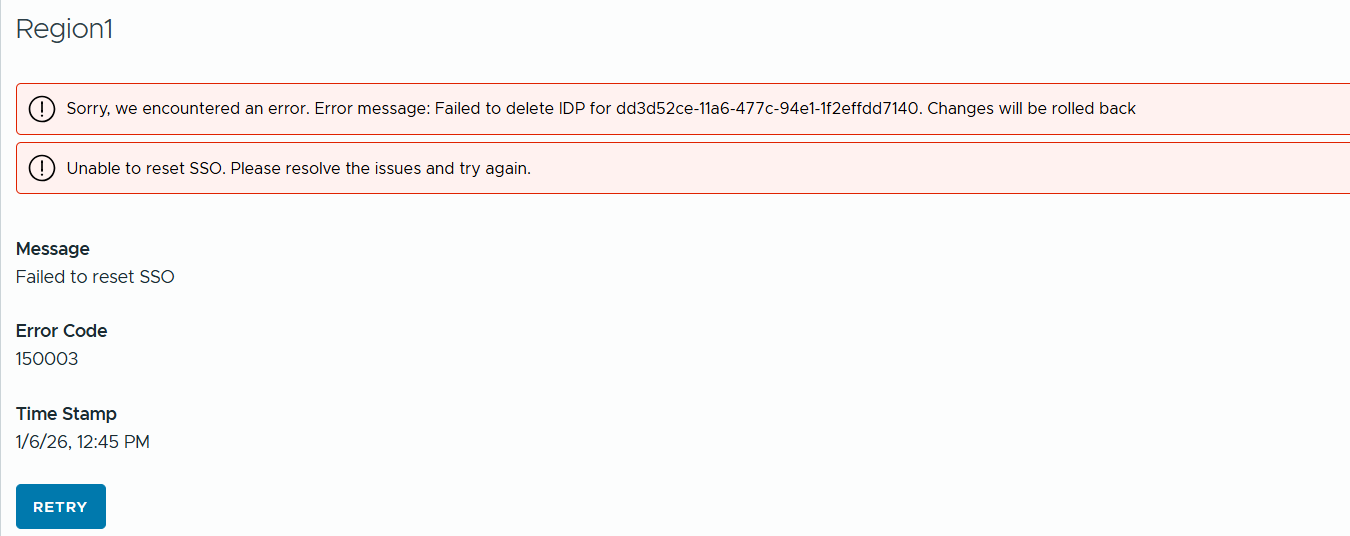
As a result, the service crashed on vCenter breaking SSO for both regions and leaving me unable to clean it up from VCF Operations, as can be seen in the screenshot below. This also resulted in authentication failures across both environments.
The error messages were “Sorry. we encountered an error. Error message: Failed to delete IDP for xxxx . Changes will be rolled back” and “Unable to reset SSO. Please resolve the issues and try again.”
You can verify the service status on vCenter either using VAMI (https://vCenterFQDN:5480) or CLI using something like putty and the relevant commands. I also ensured all passwords were in sync, reset and operational before following through with the rest of the article, as doing so did not resolve the issues.
Note: The services may not necessarily be down / in a crashed state.
Fixing The Issue
The first thing we will need to do is obtain a token from VCF Operations so we can issue the subsequent API calls.
If you are using Postman, you can import the below code block changing it to suit your environment.
curl --location 'https://ops.shank.com/suite-api/api/auth/token/acquire' \
--header 'Accept: application/json' \
--header 'Content-Type: application/json' \
--data '{    "username":"admin",    "password":"VMware123!VMware132!"}'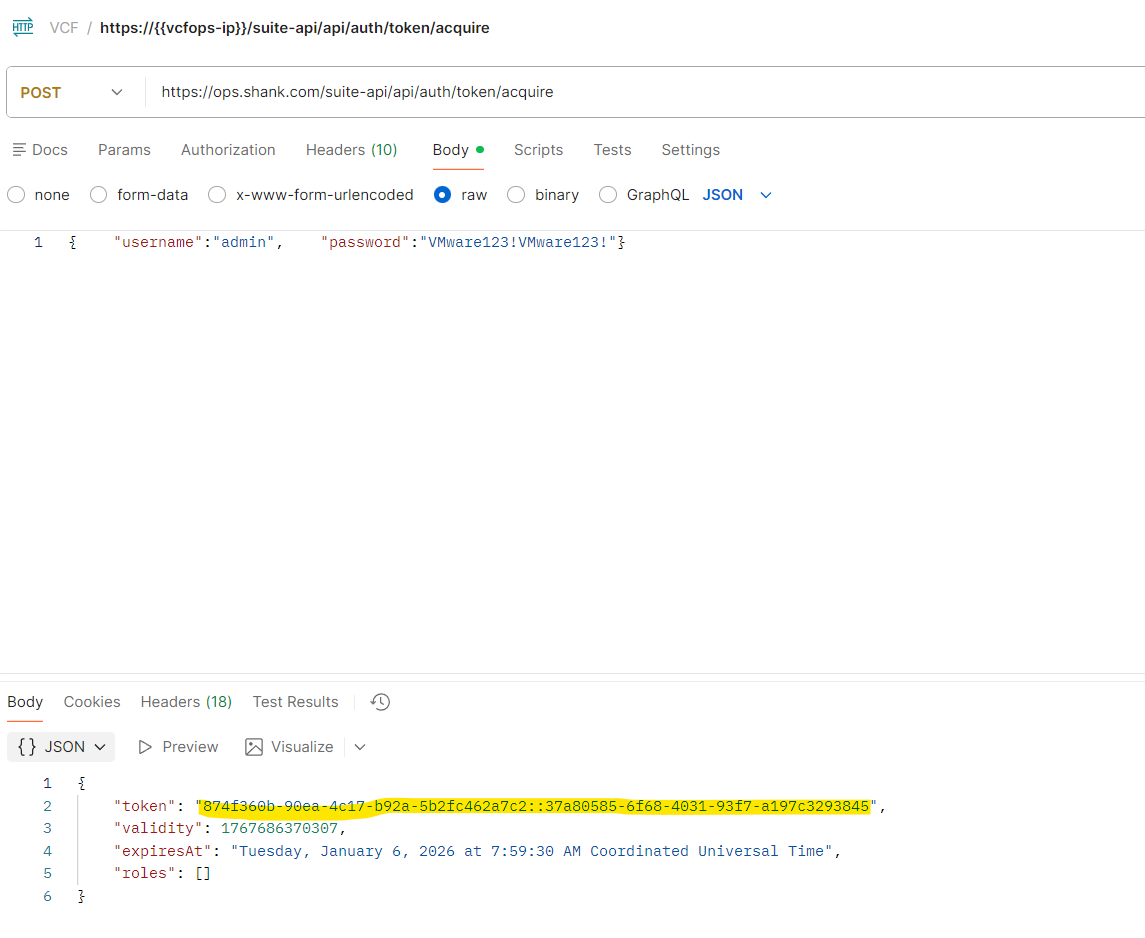
In order to clean old references to vIDB, you need to have the vidbResourceID, this can be obtained using API and the previously generated token.
curl -k --location 'https://ops.shank.com/suite-api/internal/vidb/identityproviders' \
--header 'Accept: application/json' \
--header 'Content-Type: application/json' \
--header 'Authorization: vRealizeOpsToken {{token}}' \
--header 'X-vRealizeOps-API-use-unsupported: true'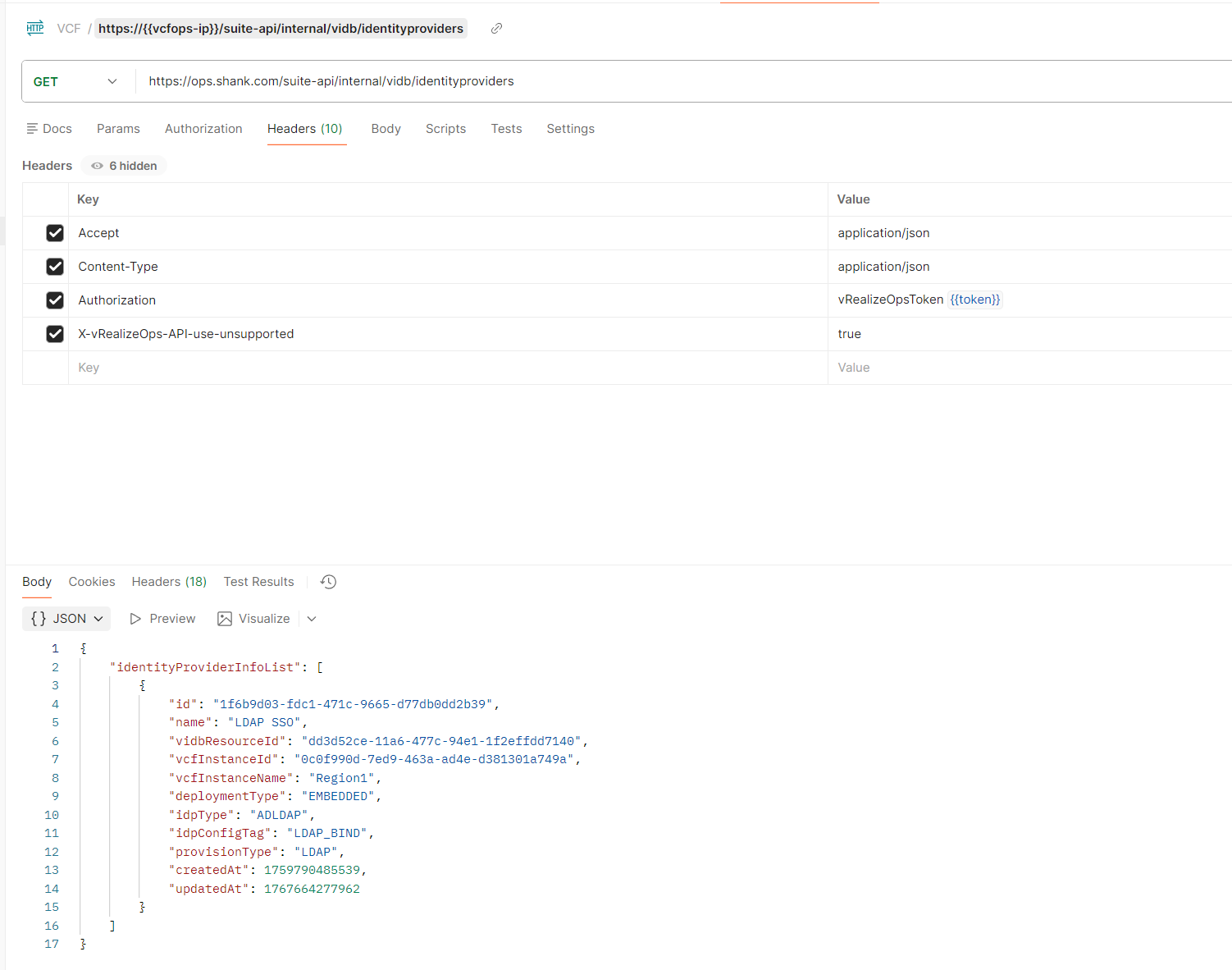
Issue the API call below to delete the identity provider / vidbresource in VCF operations. Ensure you replace the ### with the vidbresrouceId above. You should get a 204 response.
curl --insecure --location --request DELETE 'https://ops.shank.com/suite-api/internal/vidb/identityproviders?vidbResourceId=########-####-####-####-############&purgeSSOConfig=true' \
--header 'Accept: application/json' \
--header 'Content-Type: application/json' \
--header 'Authorization: vRealizeOpsToken {{token}}' \
--header 'X-vRealizeOps-API-use-unsupported: true'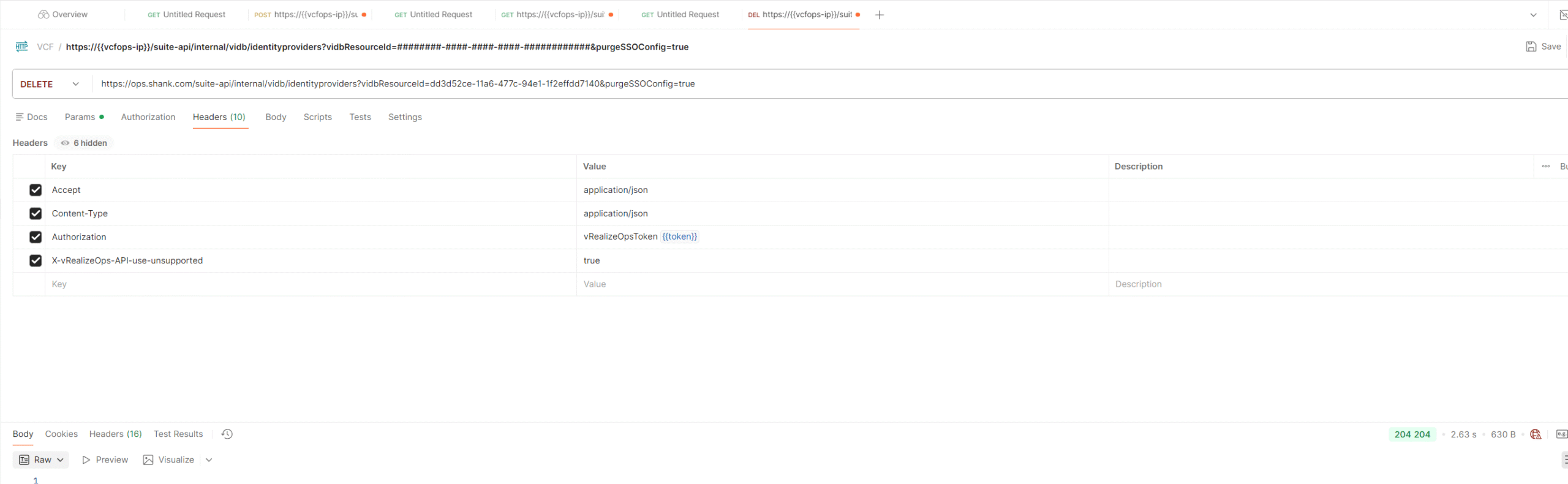
The final step is cleaning up the postgres database on VCF operations, first you will need to download the script from this kb article. Once you have downloaded it, upload it to VCF Operations using the root account.
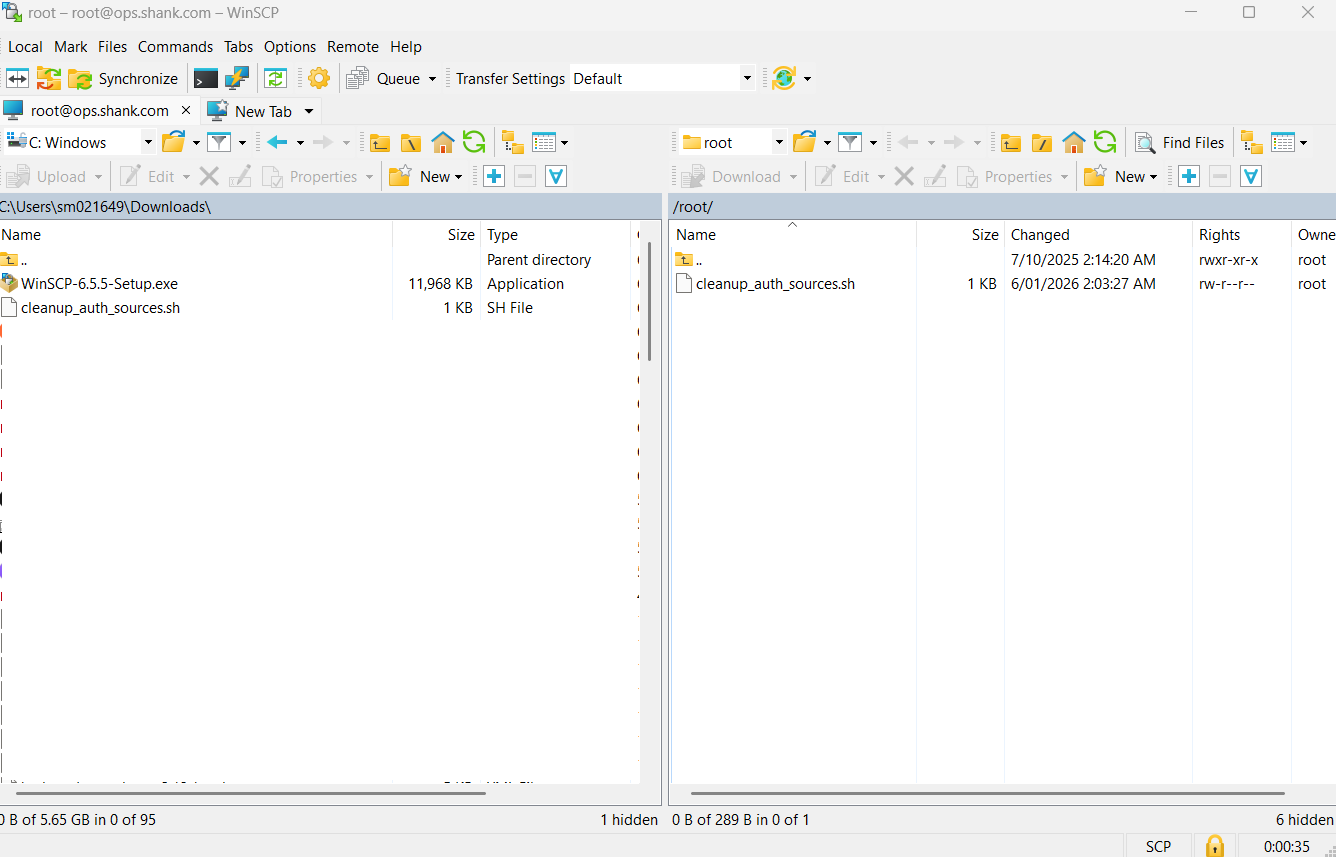
Change to the directory where you uploaded the script and modify permissions as shown below.
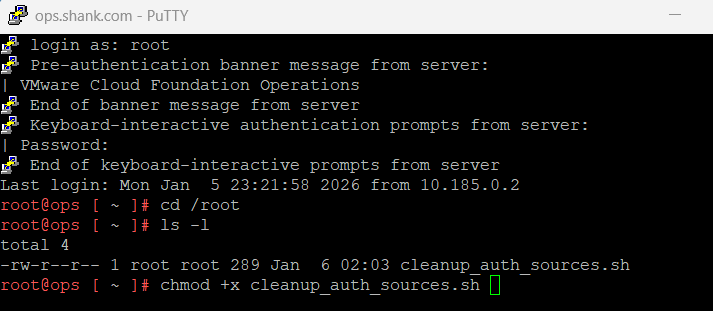
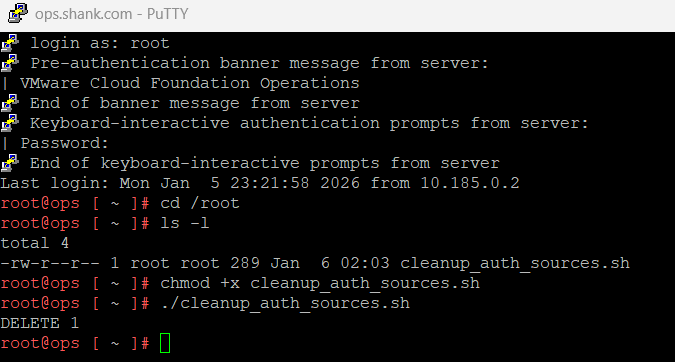
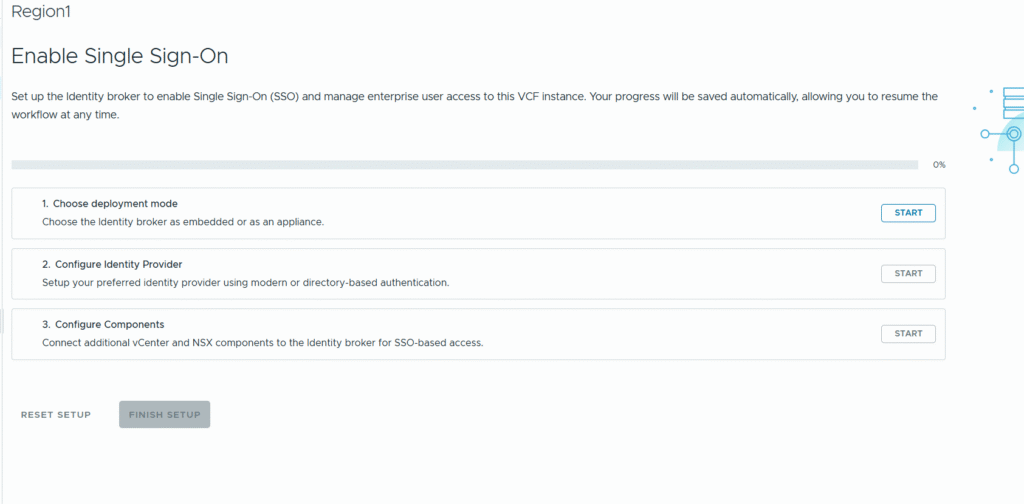
As you can see below, I am now able to reconfigure VCF SSO in VCF Operations.
Summary
It is extremely important that you maintain password validity in your environment, as well as other critical infrastructure components such as certificates. If you do not, you may fall into the same trap as I did here. It is also worthwhile noting, for those of you running internal / embedded vidb, that you eventually move to an external one for dedicated authentication.